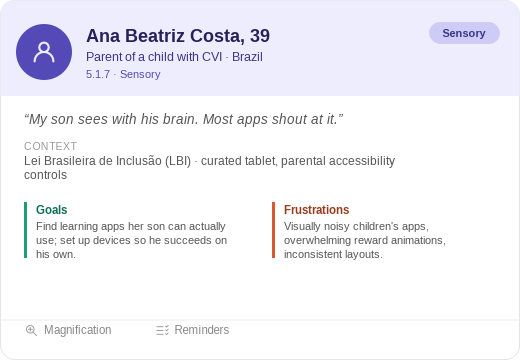
Ana Beatriz Costa
Parent of a child with CVI
Brazil · Latin America · Age 39
- Law
- LBI (Lei 13.146/2015)
- Services
- gov.br
- Messaging
Assistive Technology
- Magnification
- Reminders
My son sees with his brain. Most apps shout at it.
Goals
Find learning apps her son can actually use; set up devices so he succeeds on his own.
Frustrations
Visually noisy children's apps, overwhelming reward animations, inconsistent layouts.
Profile
Ana Beatriz Costa is a homemaker whose seven-year-old son has cortical visual impairment (CVI). CVI arises from damage to the brain's visual-processing areas: the eyes themselves are normal, but interpreting visual information is difficult. Ana invests a great deal of time finding the right digital learning tools for her son and shaping his environment.
Technology Environment
- Children's tablet: simple interface, large icons
- Educational apps: CVI-friendly apps (high contrast, simple backgrounds)
- Environment: minimal visual noise, consistent layouts
- Parent tools: an app to manage accessibility settings
Daily Scenario
At 3 p.m., before her son Pedro gets home from school, Ana reviews a new learning app. Many children's apps use busy backgrounds and complex animation—exactly what causes visual overload for a child with CVI.
Ana's digital-environment checklist for Pedro:
- Solid-color background (black or deep blue)
- Only one or two items on screen at a time
- Minimal movement (static images preferred)
- Familiar images (simple drawings rather than photographs)
- Buttons in consistent positions
- Visual information paired with sound
When Pedro gets home, Ana shows him a math app she just found. But the app's reward system suddenly fills the whole screen with stars and fireworks, and Pedro, confused, pushes the tablet away.
Challenges & Strategies
- Visual complexity: most children's content is visually too complex. Ana simplifies it with accessibility settings or seeks out CVI-specific apps.
- Lack of consistency: different interfaces across apps cause confusion. Ana standardizes on apps with similar layouts.
- Scarce suitable content: educational content designed for CVI is very limited. Ana modifies general content or makes her own.
Design Implications
- Visual simplicity: clean backgrounds, clear outlines, simple shapes.
- Customization options: settings that let complexity be adjusted.
- Multimodal feedback: auditory and tactile feedback alongside the visual.
- Gradual complexity: scale complexity to the user's level.